

Begin your trading journey with a strong foundation in both stocks and options. You’ll learn how the stock market works, how to read charts, and how to manage risk while avoiding common beginner mistakes. From there, you’ll move into options trading—understanding calls, puts, and how to interpret an options chain with confidence. Throughout the course, you’ll build simple starter strategies using FOMO+ tools like the Web App, Trendometer, and FOMOCast to help you trade with clarity and structure.
Features:
- What the stock market is and how market trends work
- Essential beginner terms and how to read stock charts
- How to research stocks, manage risk, and avoid common beginner mistakes
- Building a simple starter stock strategy using the FOMO+ Web App
- Introduction to options: what they are, why they exist, and how calls and puts work
- How to read an options chain and apply basic call/put strategies
- Risk management principles for options trading
- Creating a beginner-friendly options strategy using FOMO+ tools like the Web App, Trendometer, and FOMOCast
Course Instructor

One Time
$799.00
3 months of access
Section 1 | Investing Fundamentals & Account Setup


Section 2 | Think or Swim Basics & Charting
S01A – ToS | Setup and Navigating Think or Swim
S01A – ToS | Setup and Navigating Think or Swim In this lesson, you’ll learn how to properly configure Thinkorswim (TOS) for efficient trading. We’ll walk through the essential Setup / Application Settings, focusing on changing your default order quantities. These quick adjustments will help prevent costly mistakes and streamline your workflow whether you’re trading […]
S03A – ToS | Charting 101
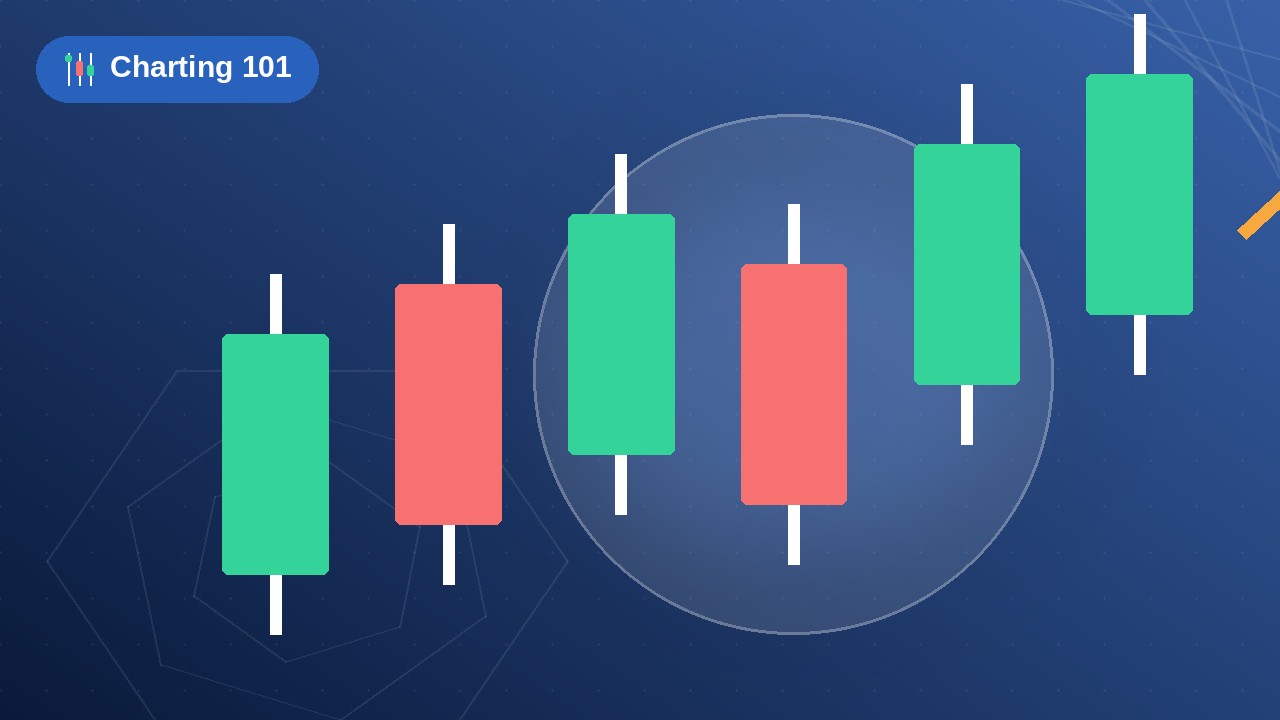
S03A – ToS | Charting 101 Here you’ll learn the essential foundations of reading and analyzing stock market price charts. This introductory class covers how to interpret candlestick charts, the meaning behind each candle’s body and wicks, and what the green and red colors actually represent. You’ll gain the core visual skills needed to understand […]
S04A – ToS | Identifying Trending Stocks
S04A – ToS | Identifying Trending Stocks In this lesson, you’ll learn how to spot strong trending stocks by looking for consistent trend movement on the charts. We show you how to identify stocks with positive momentum and potential for continued gains, while avoiding those that have depreciated over time. Mastering this skill helps you […]
S05A – ToS | Charts Tab
S05A – ToS | Charts Tab Learn how the Charts tab works on thinkorswim so you can pull up symbols, switch timeframes, and set up the layout you actually trade from. This video covers: Opening the Charts tab and loading a symbol Timeframes, chart types, and basic settings Adding studies (indicators) and drawing tools Using […]
S06A – ToS | Drawing Tools Part 1
S06A – ToS | Drawing Tools Part 1 Part 1 covers the drawing tools most traders use every day — the ones that handle the majority of charting. This video walks through: Horizontal lines Vertical lines Trend lines Zones and rectangles How to edit, lock, and clean up drawings Master these first so your charts […]
Section 3 | FOMO+ App Tools & Watchlists
S04A – ToS | Identifying Trending Stocks
S04A – ToS | Identifying Trending Stocks In this lesson, you’ll discover how to choose the right investor style based on your risk tolerance, available time, and personality. We compare Long-Term Stocks, Long-Term Options, Conservative Options, Moderate Options, and Swing-Trading across key factors like time frame, market trend, momentum, and sentiment. This helps you select […]
S08A – FOMO+ | User Profile Settings
S08A – FOMO+ | User Profile Settings In this section, you’ll configure the most important preferences that shape your entire FOMO trading experience. Choose your Trading Style (Show All, Long-Term, Conservative, or Moderate) to personalize the stocks and signals shown across the app, then fine-tune Settings such as how stock links open and which columns […]

S09A – FOMO+ | FOMO+ Snapshot
S09A – FOMO+ | FOMO+ Snapshot Start every trading day here. This module introduces the FOMO+ Snapshot, a powerful simplified view that combines the proprietary FOMO Level gauge with Market Trend, Momentum, and Sentiment indicators to give you an instant read on the market’s current direction and behavior. This blends multiple signals into one easy-to-understand […]
S10A – FOMO+ | Sector Snapshot
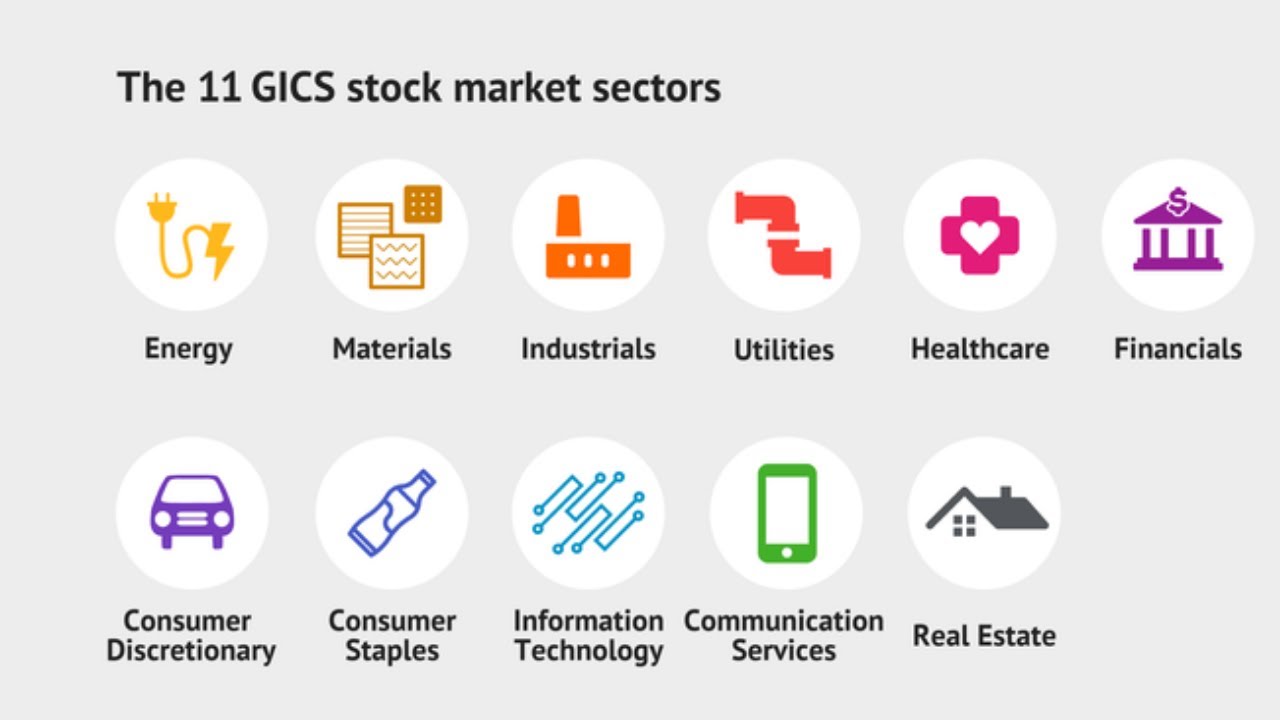
S10A – FOMO+ | Sector Snapshot Here you can see how each market sector is performing at the start of your trading day. This module covers the Sector Snapshot, which breaks down all 11 major market sectors with their individual FOMO Level gauges, trend direction, and performance metrics. You’ll learn how to quickly identify which […]

S11A – FOMO+ | Watchlists
S11A – FOMO+ | Watchlists In this section, you’ll discover an intuitive way to explore stocks and build your personal watchlists. Simply click on one of the tabs (Index, ETF Investor, or FOMO Stock Group), scroll through the curated lists of stocks, and add any individual stock you like directly to your own watchlist with […]

S12A – FOMO+ | Simple Search
S12A – FOMO+ | Simple Search In this section, you’ll discover an intuitive way to explore stocks and build your personal watchlists. Simply click on one of the tabs (Index, ETF Investor, or FOMO Stock Group), scroll through the curated lists of stocks, and add any individual stock you like directly to your own watchlist […]
Section 4 | Trading Tools & Investing Essentials
S13A – ToS | Monitor Tab
In this lesson, you’ll master the Monitor Tab to stay on top of your trading activity. Learn how to track Working Orders, Filled Orders, and your Position Statement — including key details like quantity, mark price, mark change, P/L Open, P/L Day, and Year-to-Date performance. This essential tab keeps you informed about your current holdings […]
S14A – FOMO+ | Column Overview
S14A – FOMO+ | Column Overview The FOMO watchlist is built around columns. This lesson explains what each one means and how to read them. Learn how to scan a list quickly so you know what the app is showing — and what to do next.


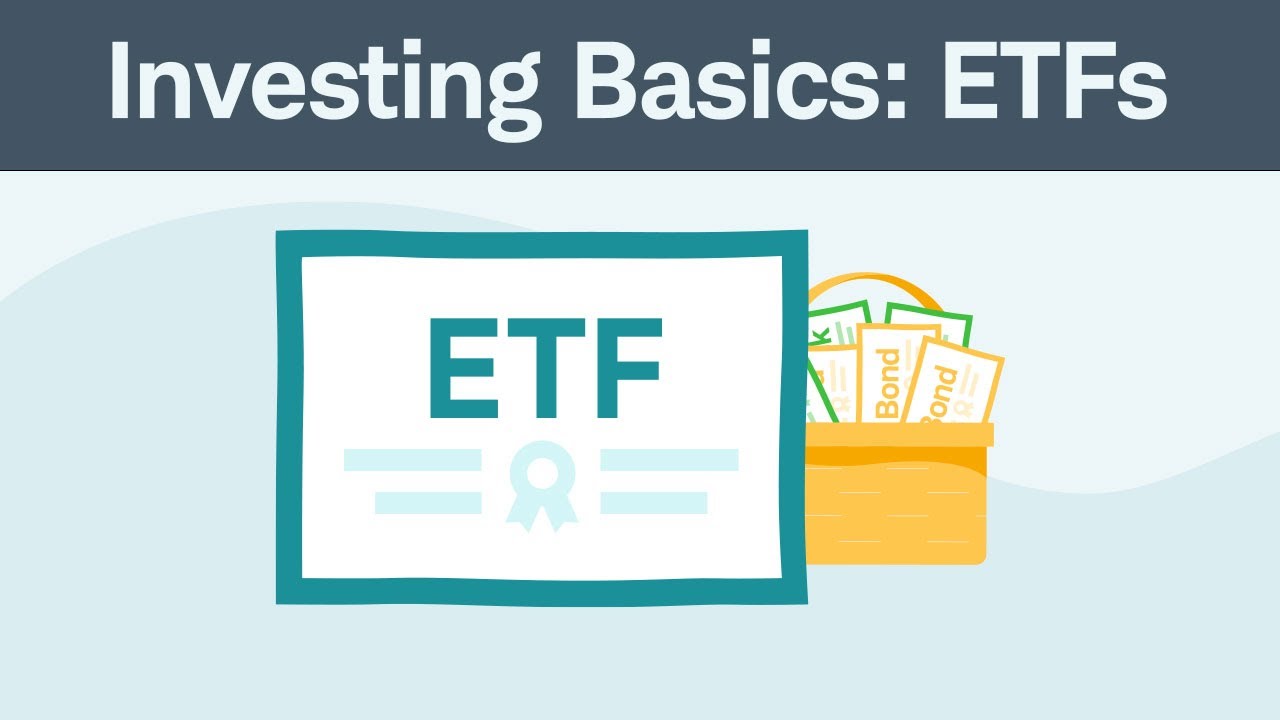
S16A – CS | Investing Basics: ETF’s
S16A – CS | Investing Basics: ETF’s Discover the powerhouse investment vehicle favored by modern traders. This lesson breaks down exactly what an Exchange-Traded Fund (ETF) is, how it combines the instant diversification of a mutual fund with the flexible, real-time trading power of an individual stock, and why they are perfect for building a […]
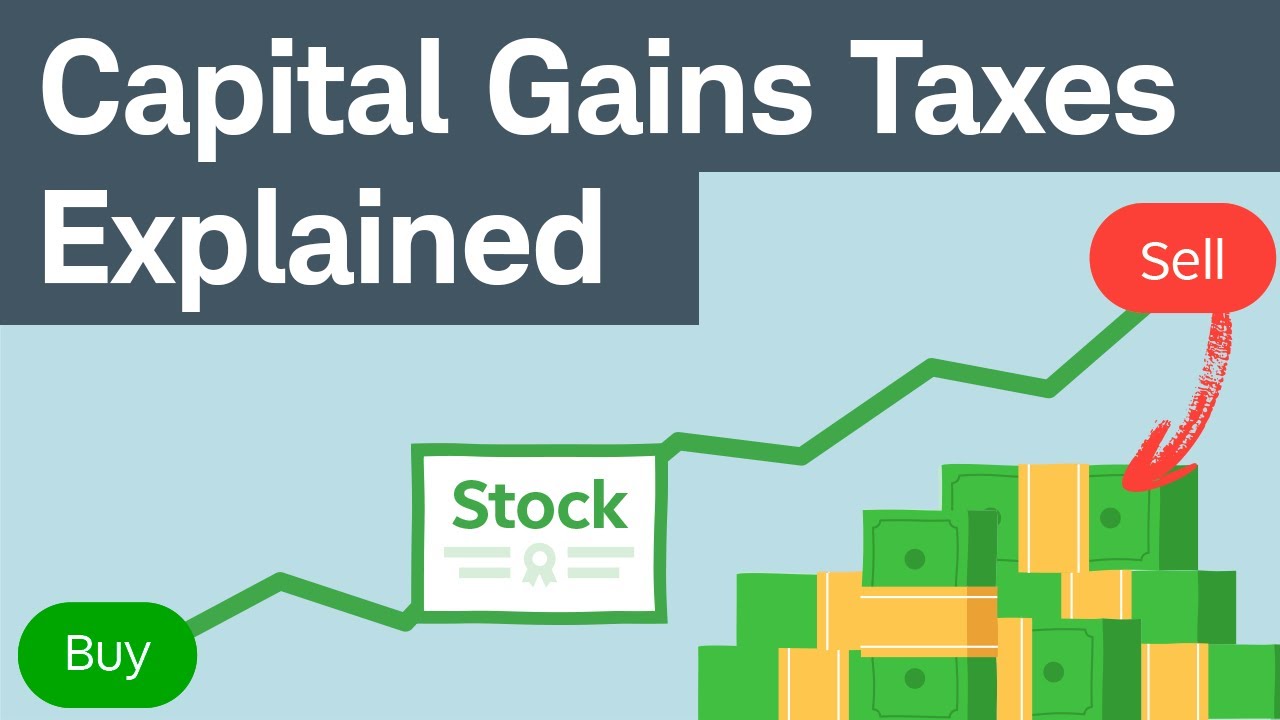
S17A – CS | Capital Gains Taxes Explained: Short-Term Capital Gains vs. Long-Term Capital Gains
S17A – CS | Capital Gains Taxes Explained: Short-Term Capital Gains vs. Long-Term Capital Gains Capital Gains Taxes Explained: Keep more of your hard-earned trading profits. This crucial lesson breaks down the major differences between short-term and long-term capital gains tax rates, showing you exactly how your investment holding periods impact your tax bill and […]
Section 5 | Options Fundamentals
O01A – FOMO+ | Introduction to Options
O01A – FOMO+ | Introduction to Options In this lesson, you’ll explore the basics and key differences between trading stocks and options. We break down what each represents, their risk levels, time sensitivity, profit potential, costs, and use cases. You’ll learn how options offer built-in leverage and flexibility for hedging or speculation, while stocks provide […]

O02A – FOMO+ | Explanation of Options
O02A – FOMO+ | Explanation of Options In this lesson, you’ll see a real-world example using CVNA (Carvana) to compare how different investor styles perform on the same stock. We break down the potential profit, risk, and time frames for a Stock Investor, Long-Term Options, Conservative Options, Moderate Options, and Swing-Trader Options investor. This visual […]
Section 6 | Trading Options on Think or Swim

O03A – ToS | Trade Tab – Options Chain
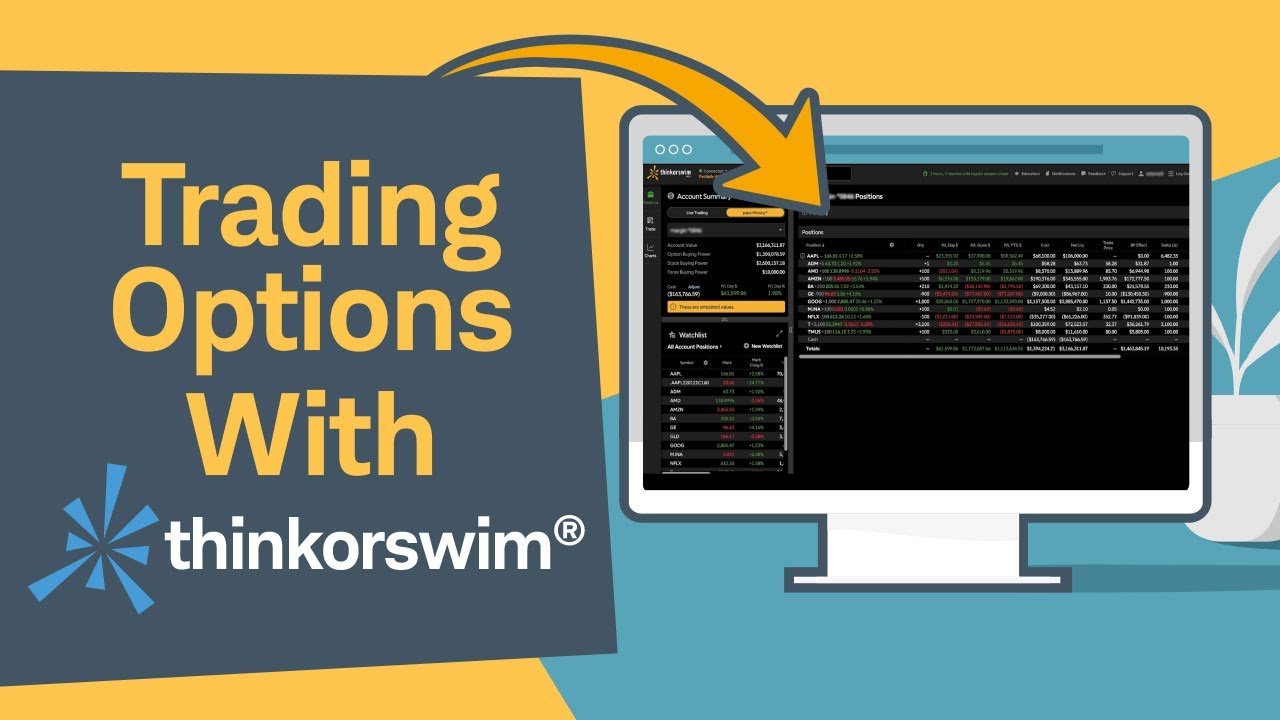
O03A – ToS | Trade Tab – Options Chain This lesson shows you how to use the Trade tab on thinkorswim and explains how to read the options chain. You’ll learn: How to open the Trade tab and load a symbol Understand Calls vs. puts, strikes, and expiration dates Bid, ask, volume, open interest, and […]
O04B – FOMO+ | Customizing Headers and Data Fields
Tailor your dashboard columns and metrics to match your specific tracking workflow and language. Organize, rename, and toggle visibility on data fields so your workspace perfectly fits your needs.
Section 7 | Options Watchlists & Sector Analysis

O05A – ToS | Watchlist
This class shows you how to build and fill stock watchlists on thinkorswim. You’ll learn: How to create a new watchlist How to add and remove tickers How to organize and sort the list How to open a symbol from the watchlist onto a chart A practical setup lesson so your lists are ready before […]

O06A – FOMO+ | Sector and Industries
This lesson introduces the market sectors and industries inside FOMO+ and how to use them for stock research. You’ll learn: What the main financial sectors are How each sector tab works in the app How to open the curated list under View Stocks How to select individual names and add them to any watchlist Use […]
Section 8 | Options Strategy & Market Insights
O07A – FOMO+ | Pullbacks, Corrections, and Crashes
Markets don’t move in a straight line. This lesson explains the difference between a pullback, a correction, and a crash. You’ll learn: What each one typically looks like How they differ in size and speed Why traders mix them up How to think about risk when price drops fast A clear definitions lesson so you […]
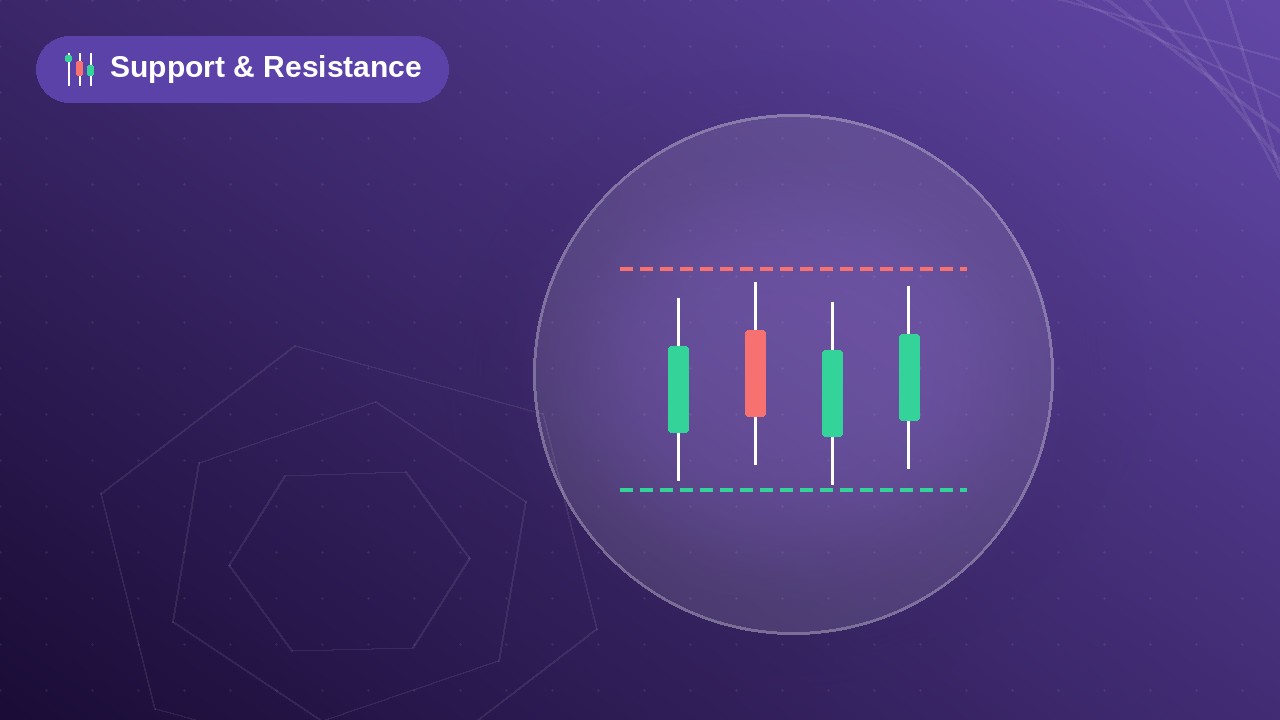
O08A – ToS | Support and Resistance
This lesson shows how to find and mark support and resistance levels on thinkorswim. You’ll learn: What support and resistance levels are and how they can affect your trades How to spot them on a chart How to draw horizontal levels with TOS drawing tools How to keep your charts clean so the key levels […]
O08B – FOMO+ | Configuring Alerts & Triggers
This lesson shows how to set up smart alerts and triggers in FOMO+ so you never miss a market move. You’ll learn: How alerts and triggers keep you on top of your watchlist with real-time notifications How to configure custom alerts for the Trendometer How to set alerts for direction changes How to set alerts […]

Coming Soon!
This section does not have any lessons.